
Location, Device, OS & Carrier Reporting
Use the four breakdown tabs to understand where your impressions and clicks are coming from and refine future targeting.
Last updated September 1, 2026
Locations Tab
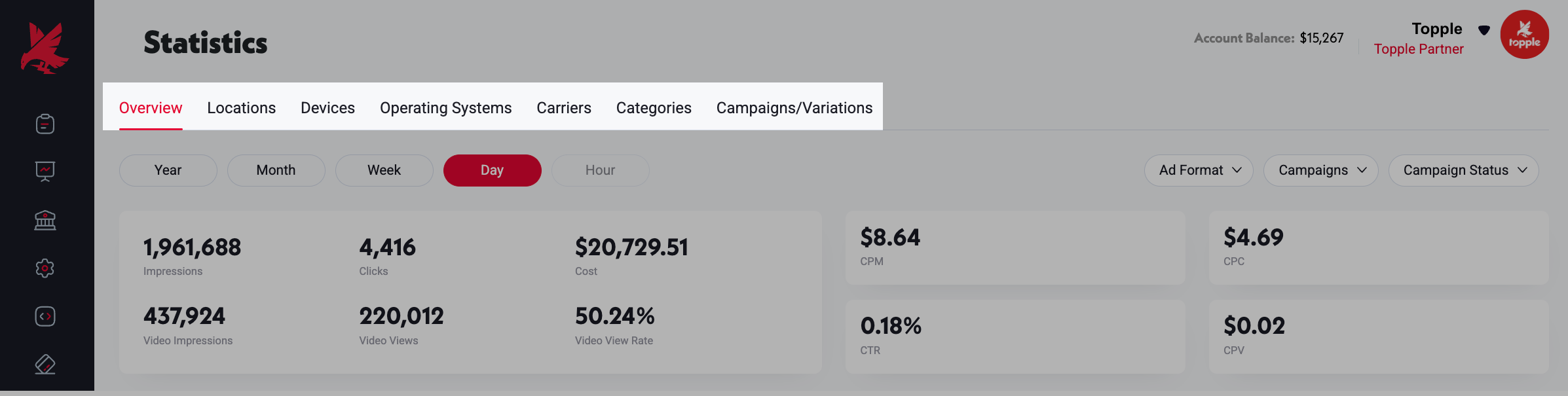
The Locations tab shows a geographic heatmap of where your impressions and clicks are occurring. Use it to identify which regions are performing well and which are not. If a specific region is delivering strong clicks but you did not target it intentionally, consider adding it to future campaigns. If a region is generating impressions but no clicks, you may want to exclude it.
Devices Tab
The Devices tab breaks performance down by device type — iPhone, Android, Mac, Windows, tablet, and so on. If one device type is generating a disproportionate share of clicks or conversions, apply device targeting in future campaigns to concentrate spend there.
Operating Systems Tab
The Operating Systems tab shows performance by OS version. This is particularly useful for mobile app advertisers who want to confirm delivery is reaching their target platform (iOS vs Android) at the right version levels.
Carriers Tab
The Carriers tab shows which mobile network carriers your impressions are reaching. This is useful for telecom advertisers and for identifying whether carrier-specific delivery patterns are affecting performance.
Common Mistakes
- 1Over-indexing on a small sample size — if a campaign has run for only a few days or has limited impressions, a single carrier, OS version, or region can appear to dramatically outperform or underperform simply due to statistical variance. Before adding narrow targeting based on what you see in these tabs, confirm the campaign has enough impressions in that segment to make the pattern reliable. A large absolute difference with a very small sample is rarely actionable.
- 2Using breakdown data from a short campaign to make permanent targeting decisions — location, device, OS, and carrier distributions can shift meaningfully as campaign volume scales. Treat early breakdown data as directional, not definitive, and revisit after the campaign has run at full scale.
Was this helpful?